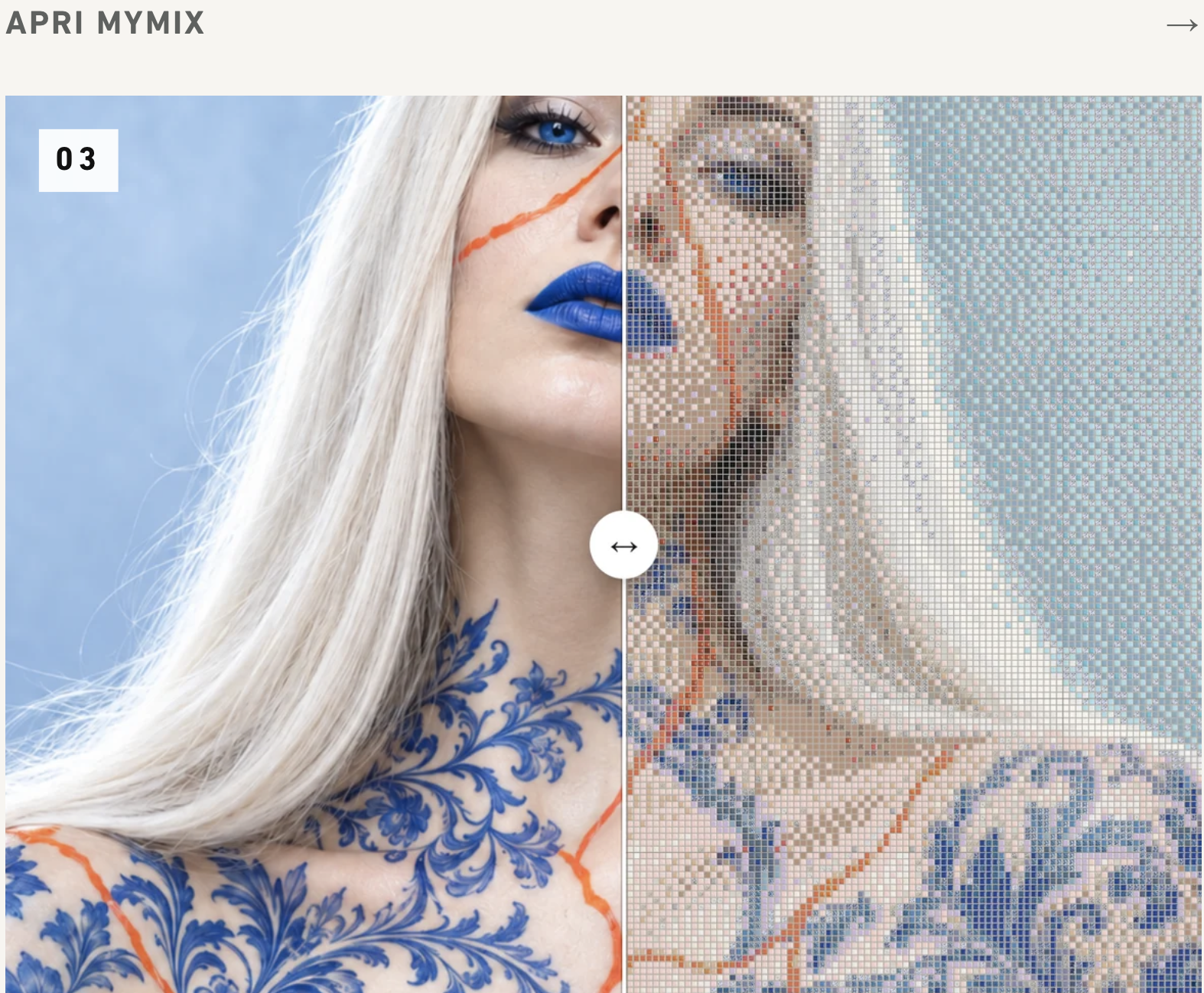






A color gradient to create, a combination of shades to explore, or a photograph to transform into a mosaic. Today, architects and interior designers can experiment with these ideas online before moving on to production.
Gruppo Bardelli offers ten digital design tools for floor and wall coverings: seven from Appiani, including My Pastelli Custom, and three from Ceramica Vogue. These configurators help professionals develop custom mosaics, color combinations and tile layout patterns.
Practical tools for visualizing alternatives, comparing design options and preparing an initial proposal to share with clients.
Which Configurator Should You Choose? 10 Tools Compared
The starting point is simple: what type of surface do you want to design?
Appiani: 7 Configurators for Custom Mosaic Design
| If you want to... | Use |
| Combine colors and finishes into a custom mix | MyMix |
| Create gradients and smooth color transitions | MyDegradé |
| Turn an image or graphic into a mosaic | MyCustom |
| Create mosaic logos and lettering | My Mosaic Logo |
| Experiment with mosaic compositions based on photographs | Mosaic Lab |
| Customize mosaic surfaces for swimming pools | My Appiani Pool |
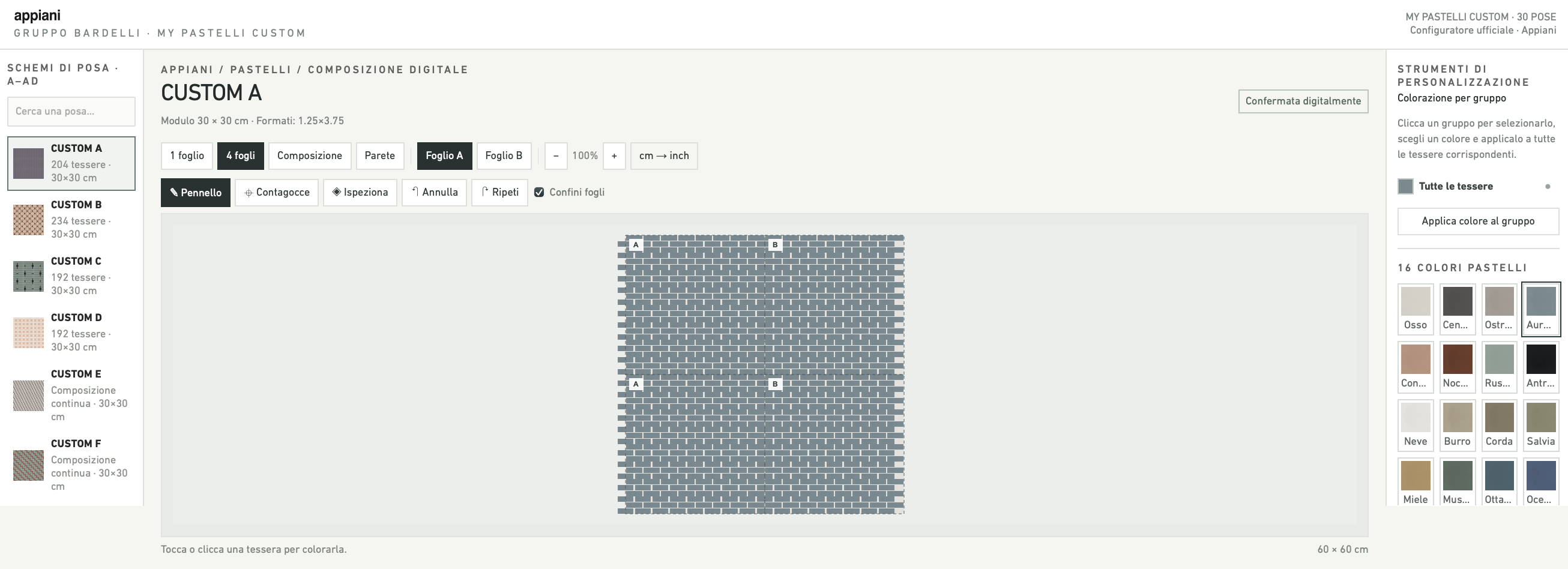
| Customize colors and laying patterns from the Pastelli collection | My Pastelli Custom |
From decorative walls and wellness areas to bespoke surfaces for retail and hospitality projects, Appiani's configurators offer a wide range of creative possibilities.
Explore the Appiani configurators on the Gruppo Bardelli website.
My Pastelli Custom: Personalized Colors and Tile Layout Patterns
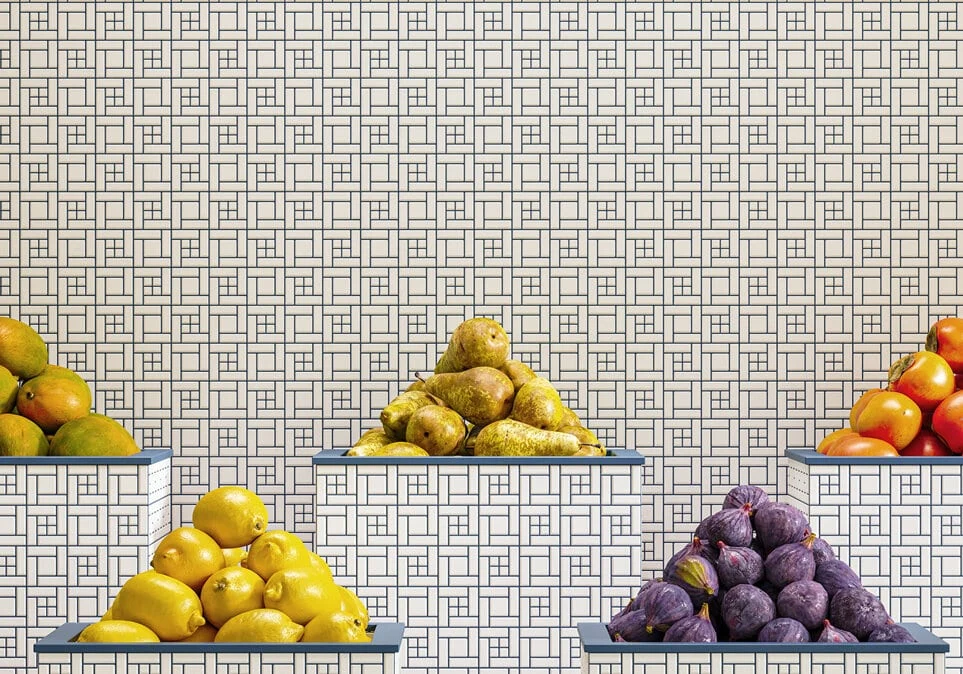
For architects interested in the geometric possibilities of ceramic mosaics, My Pastelli Custom focuses on personalizing Appiani's Pastelli collection.
The collection offers 16 colors and 12 Custom laying patterns, which can be reinterpreted through different color combinations. Designers can also explore original compositions using the available tile formats, subject to the manufacturer's feasibility assessment.
This makes My Pastelli Custom particularly interesting for architects and interior designers looking to turn ceramic mosaics into a graphic element of their projects, experimenting with color, modularity and geometry.
Discover My Pastelli Custom and its customization possibilities.
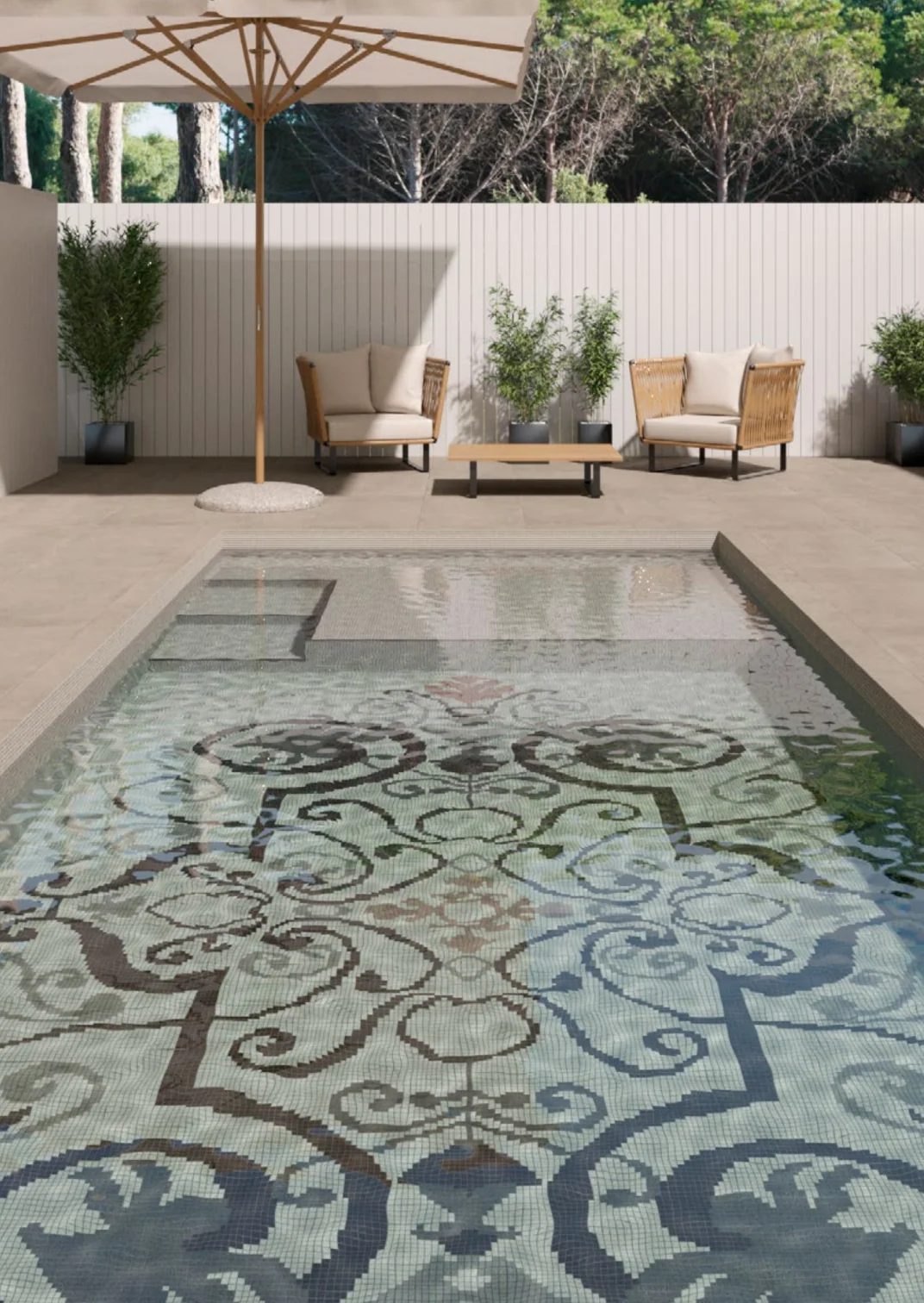 Floor and wall tile configurators for swimming pools and spa
Ceramica Vogue: 3 Configurators for Colors and Tile Patterns
| If you want to... | Use |
| Create color mixes and checkerboard patterns | System Mix Custom |
| Customize geometric layouts and tile laying patterns | System Custom |
| Design personalized color gradients with ceramic tiles | System Degradè |
These configurators work with the colors, sizes and finishes of the Vogue System range, allowing designers to explore different compositions for floors and wall coverings.
Explore the Ceramica Vogue configurators on the Gruppo Bardelli website.
From Concept to Design Proposal: How the Configurators Work
The process follows three straightforward steps:
Choose the right configurator based on the result you want to achieve.
Customize your surface using the available colors, finishes, dimensions and composition options.
Save or share your design using the features provided by the selected tool.
Depending on the configurator, users can obtain textures, PDF documentation, drawings or shareable links to help develop and present their ideas.
Once the desired result has been achieved, the Gruppo Bardelli team can assist in confirming production feasibility, product specifications and conditions before manufacturing.
From Online Configurators to Digital Design Resources on Syncronia
On Syncronia, Gruppo Bardelli provides architects, interior designers and building professionals with free access to digital resources for collections from both brands.
Explore the dedicated libraries to discover the products and download available design files:
Appiani – Ceramic mosaics, textures and digital design resources
Ceramica Vogue – Collections and digital resources for floor and wall tile design
Have a surface you want to customize? Choose the right configurator, experiment with colors and patterns, and turn your idea into an initial design proposal.